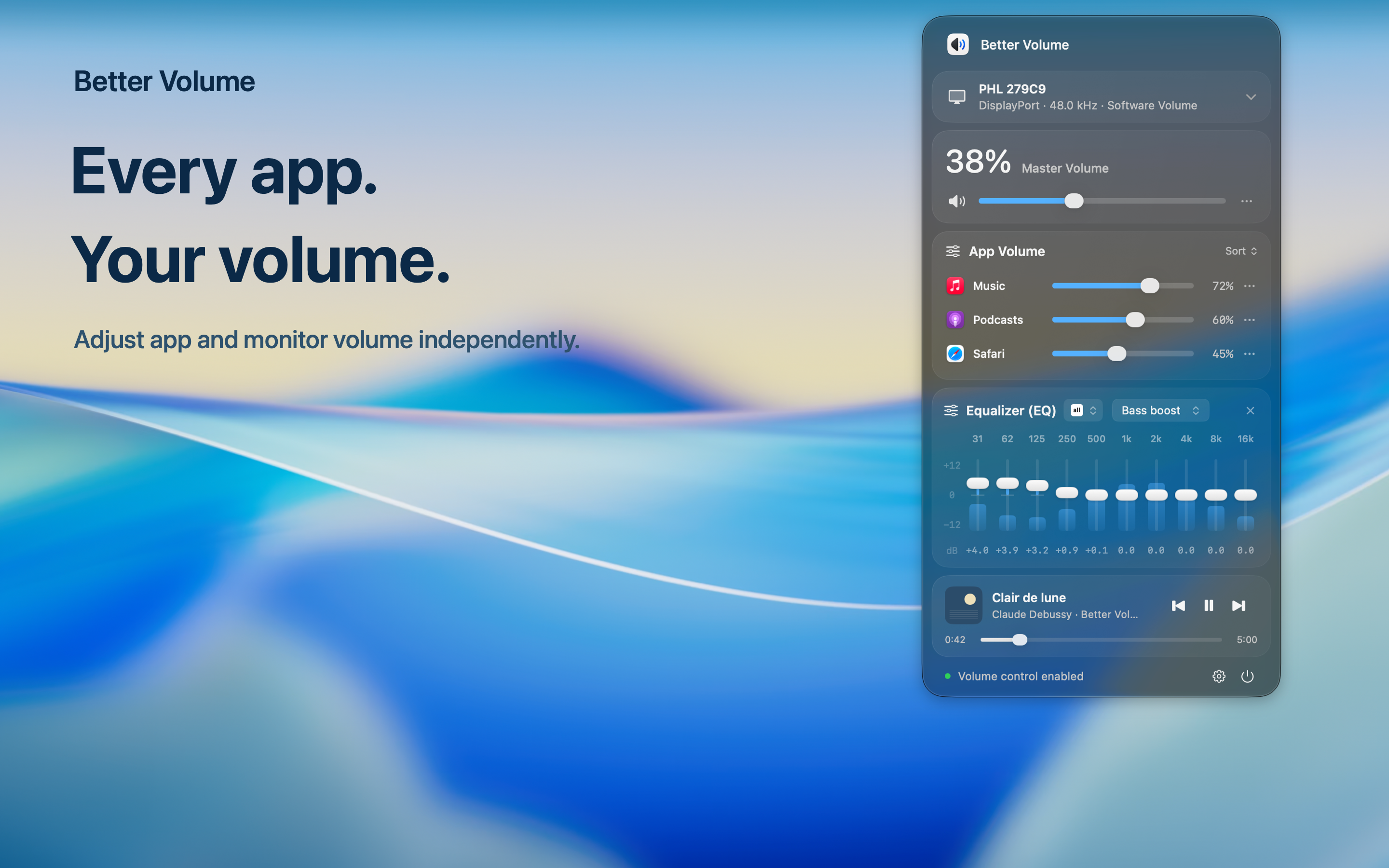
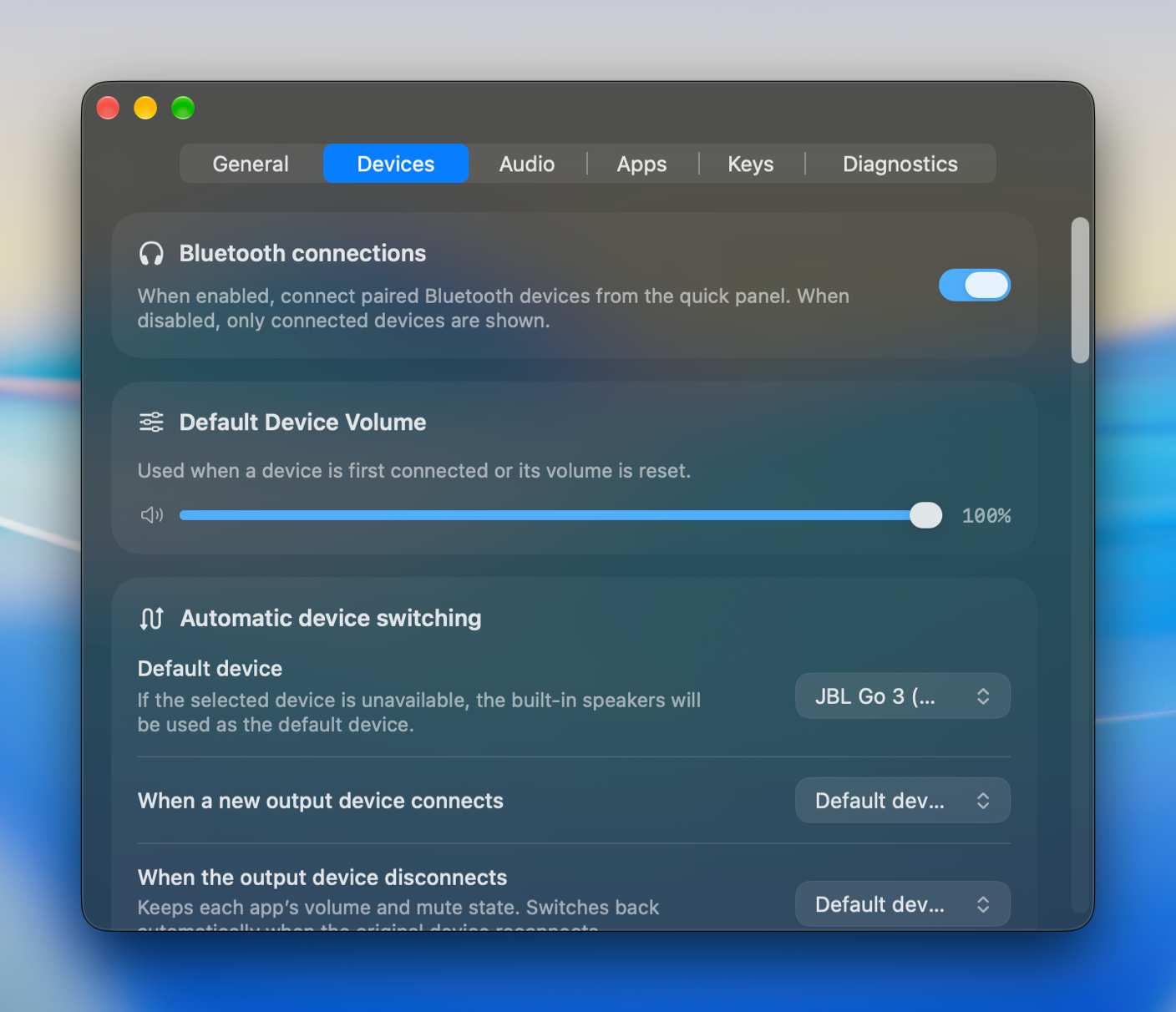
Switch between headphones, speakers, and displays from the menu bar. Adjust HDMI and DisplayPort output volume with software controls.
Display volume requires system audio recording permission. Compatibility depends on your device.
ADVANCED SOUND · PRO
Keep quiet and loud in balance.
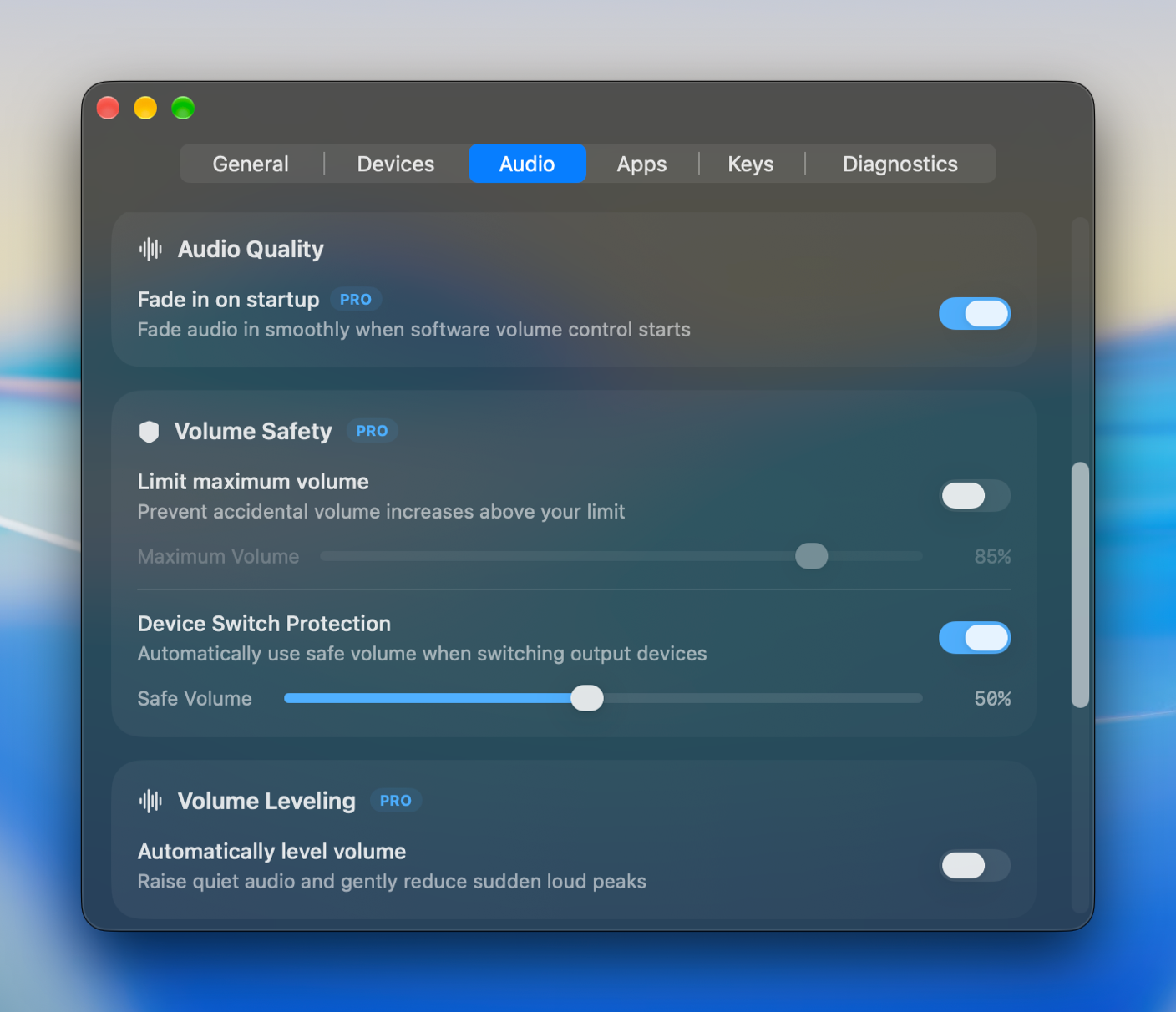
Raise quieter audio and gently reduce sudden loud peaks. Adjust startup fade and volume safety to suit the way you listen.
Audio is processed locally in real time, without saving recordings.
APP SETTINGS · PRO
Set the rules. Then press play.
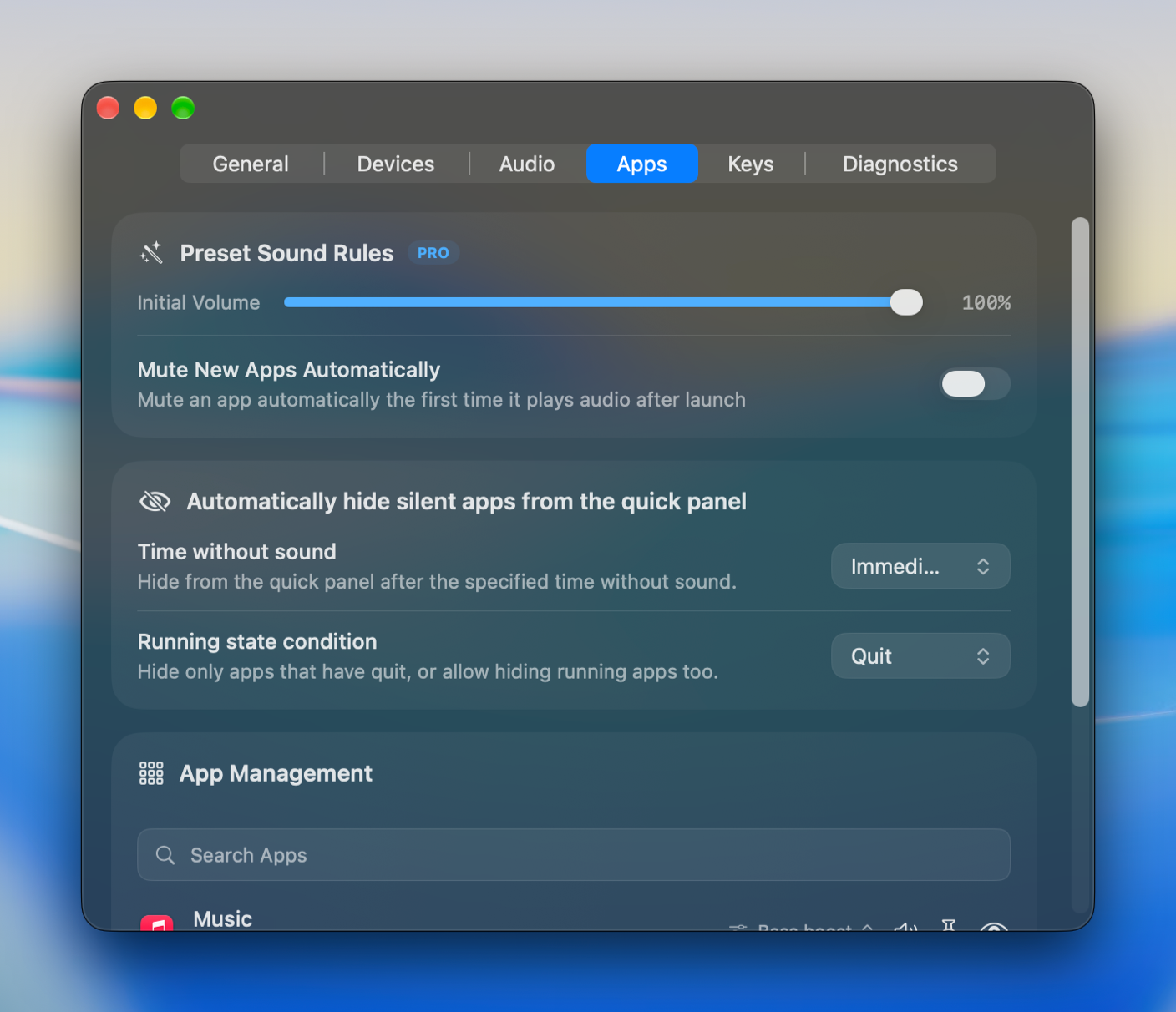
Choose the starting volume for new apps or mute them when they first play audio. Search, pin, and hide entries to keep your everyday apps easy to find.
Preset sound rules require Pro.
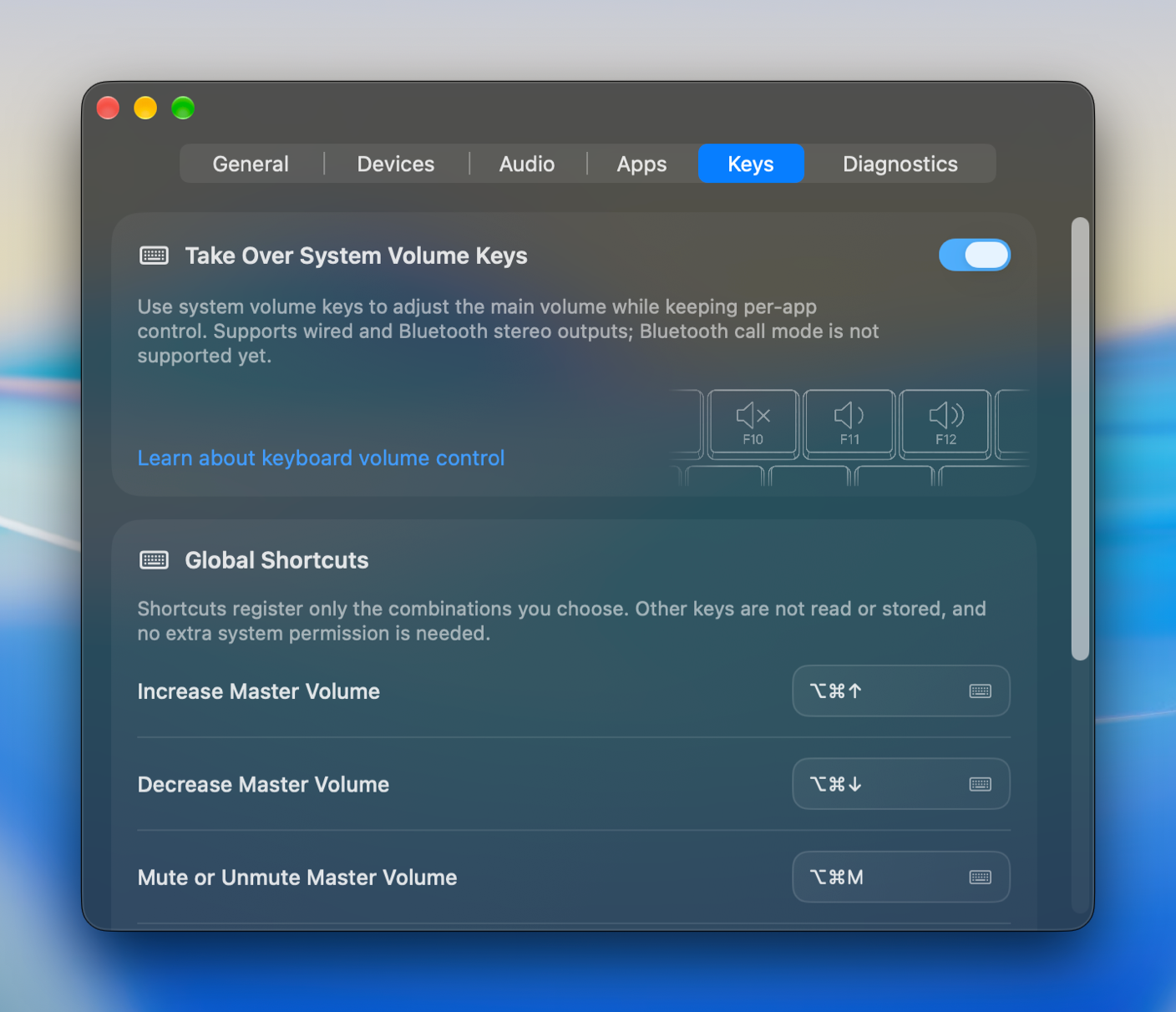
KEYBOARD SHORTCUTS
Your sound controls. One shortcut away.
Set custom key combinations for master and current-app volume, mute, and output switching. Keep sound controls close while you work.
 Better Volume