Adjust or mute any app
Apps appear as they play audio. Each volume is saved, so you don’t have to set it again next time.
 Better Volume
App volumes and audio outputs, together in your menu bar.
Set the right level for music, videos, and calls.
The direct-download edition is not yet available to download or purchase. The store edition is available through the App Store.
macOS 14.4 or later
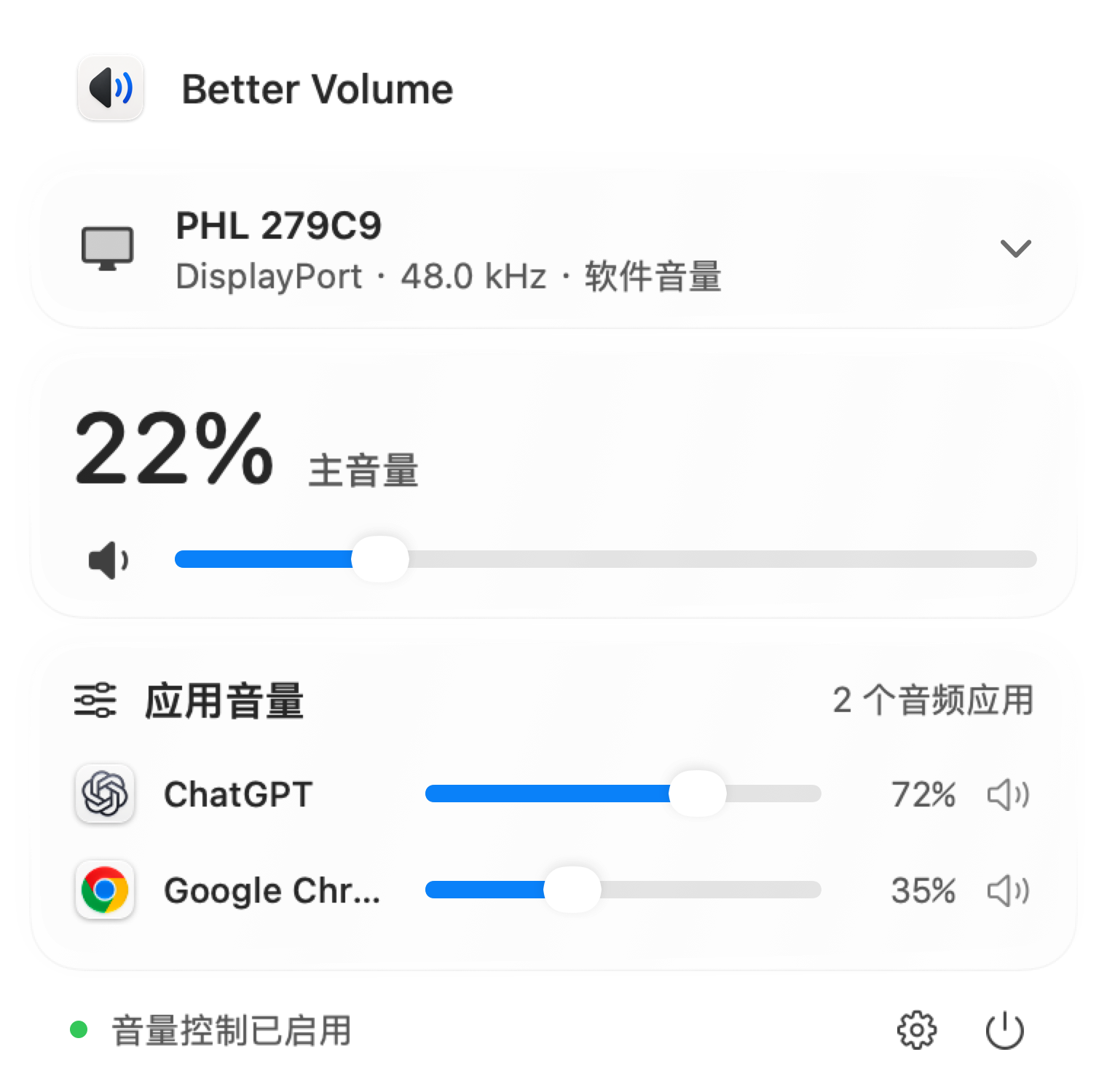
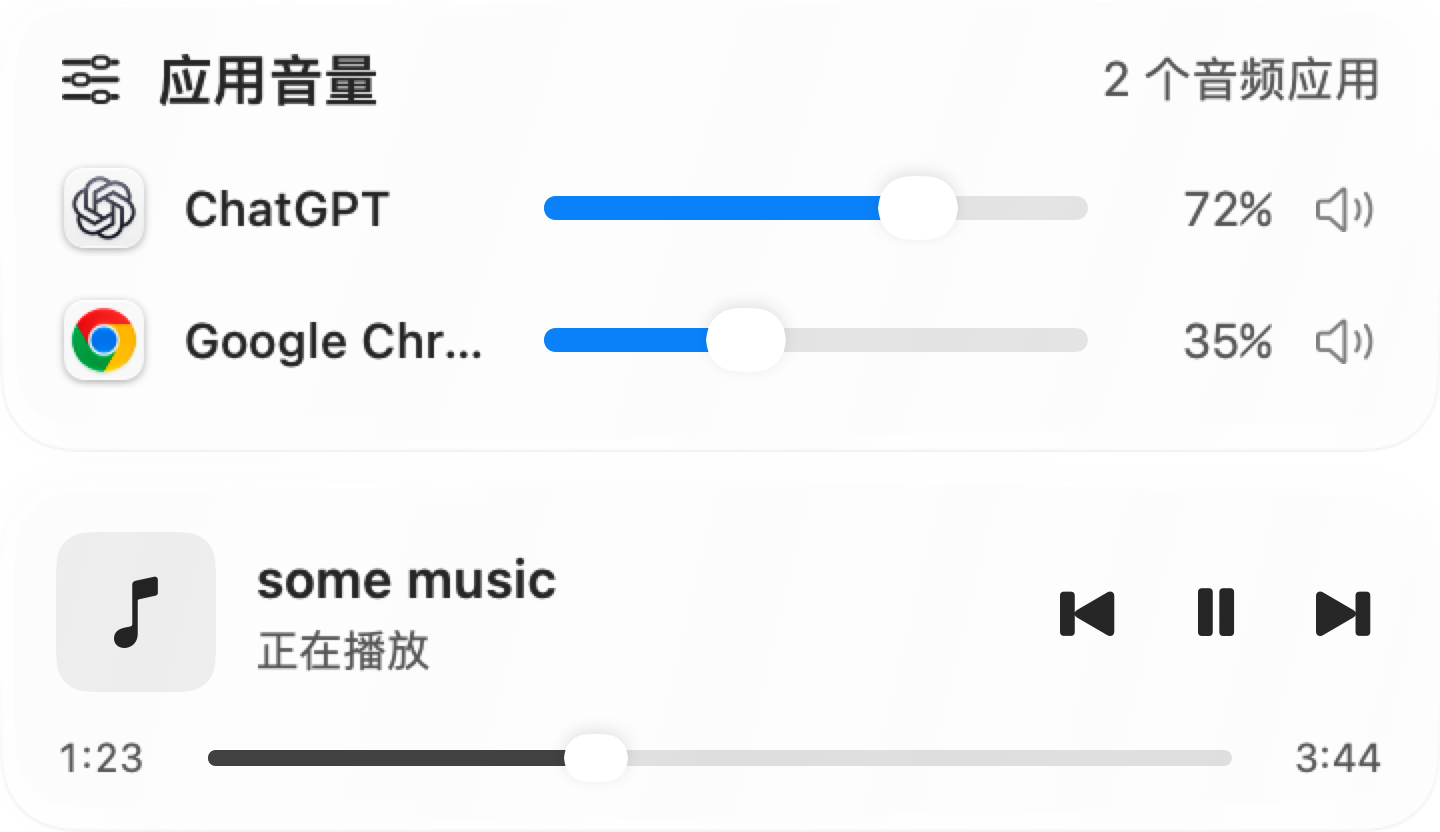
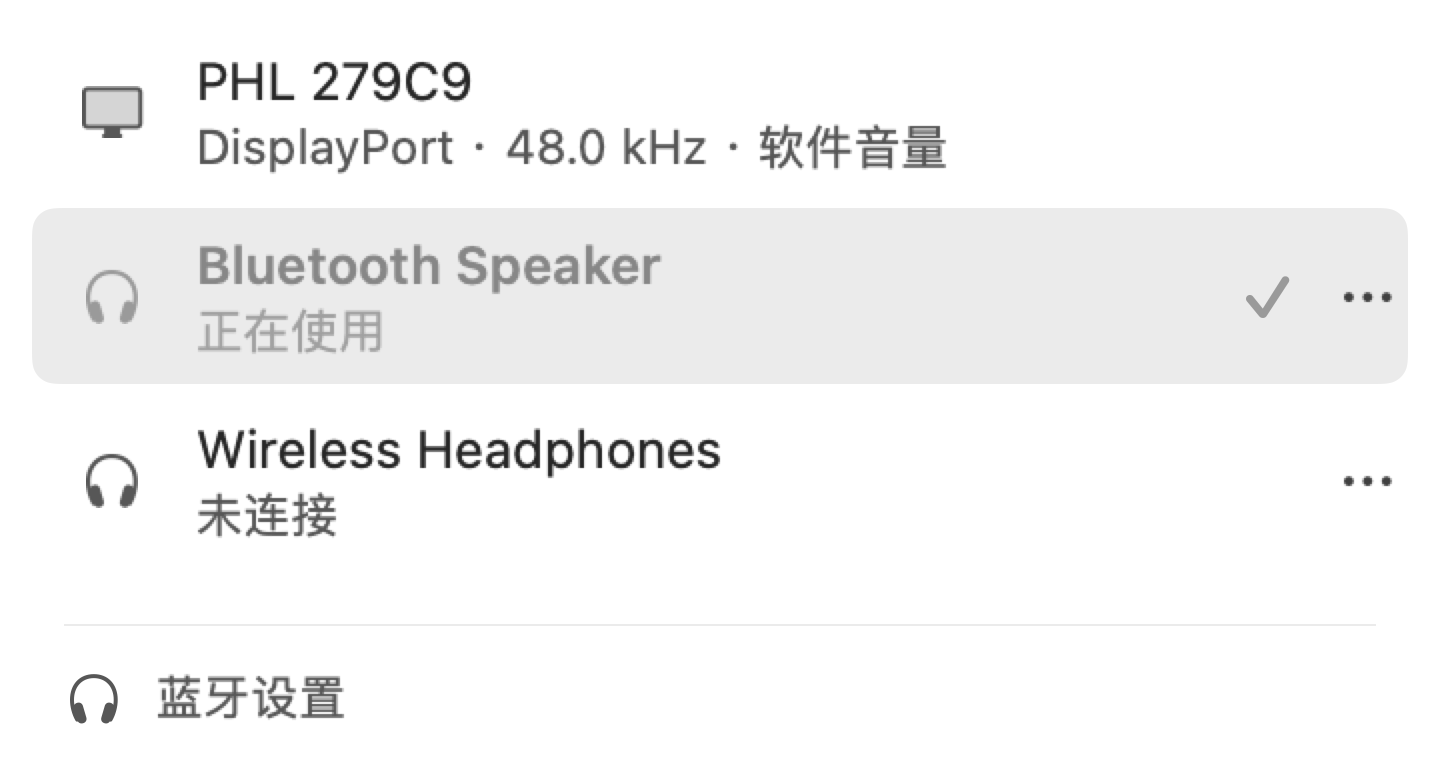
Actual interface shown in Chinese with example apps and devices. Playback support varies by app and edition.
Adjust your sound in one place.
Apps appear as they play audio. Each volume is saved, so you don’t have to set it again next time.
Adjust HDMI and DisplayPort output using software volume. Switch between headphones, speakers, and displays in the same panel.
Set a volume limit and a safe starting level when switching devices. Audio is processed locally, with no recordings saved.
Have another question?
Contact us
Requires macOS 14.4 or later. Check the store listing for the latest requirements and version information.
Yes. Better Volume uses software volume for HDMI or DisplayPort outputs without native volume control. System audio recording permission is required. Compatibility depends on your device and audio output.
The app uses system audio interfaces to adjust volume in real time. Audio stays in memory; no recordings are saved. Read our Privacy Policy.
Use “Get the app” to visit the store. Basic per-app volume is free; some advanced audio settings require Pro. See our pricing and feature comparison for the planned direct edition; store pricing is shown in the App Store.
Individual app volumes. Right in your menu bar.